> For the complete documentation index, see [llms.txt](https://docs.swanchain.io/llms.txt). Markdown versions of documentation pages are available by appending `.md` to page URLs; this page is available as [Markdown](https://docs.swanchain.io/network-reference/readme/bridge-token.md).
# Bridge Token
**Step 1: Purchasing ETH**
Fund your wallet with ETH from any Decentralized Exchange (DEX) or Centralized Exchange (CEX).
Funding your network account is required to use the network. All transactions, including claiming Swan Credit tokens and deploying Spaces, charge a transaction fee. Ensure you have sufficient ETH to cover these costs.
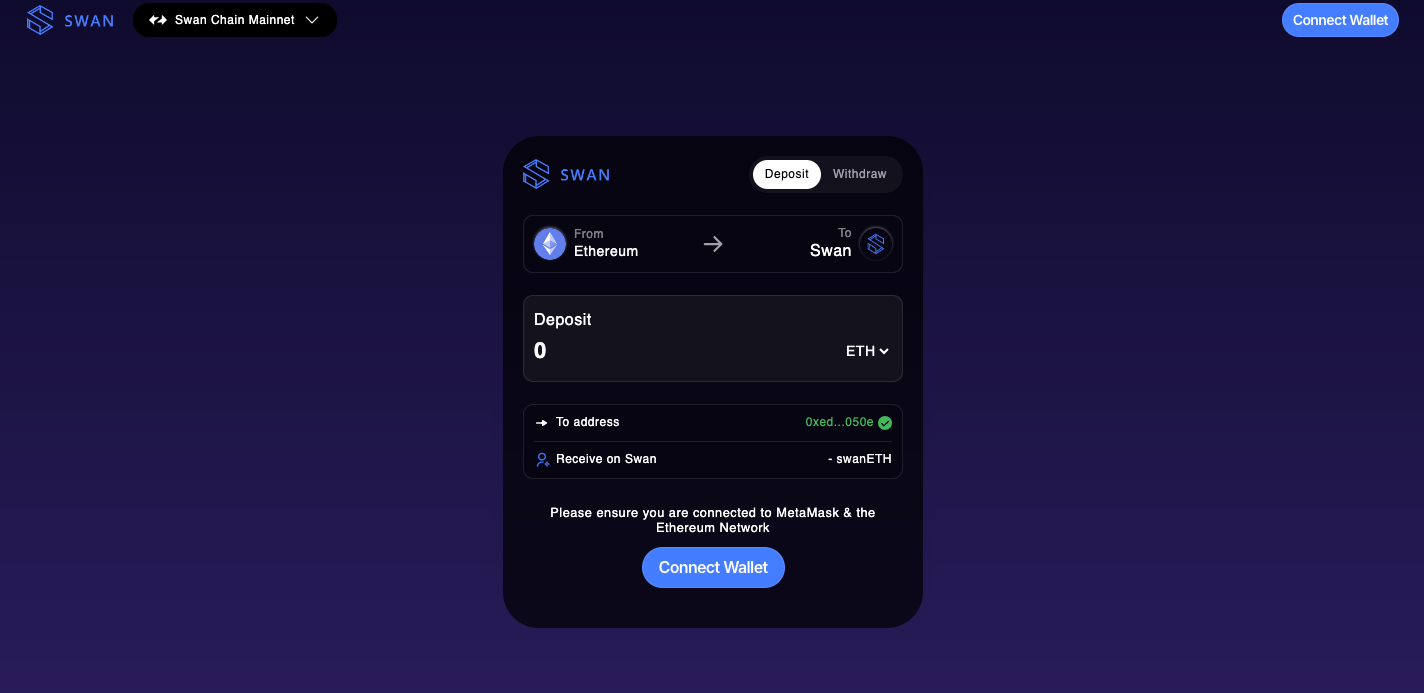
**Step 2: Bridge ETH from Ethereum to Swan Chain**
Go to[ Bridge](https://bridge.swanchain.io/), enter the amount of ETH you wish to bridge, and click on the "Deposit" button.
{% hint style="info" %}
Swan Chain's third-party bridges:
{% endhint %}
**L1 Bridge Address**: `0xed7525946A09056C6AaE29941b8323017382050e`